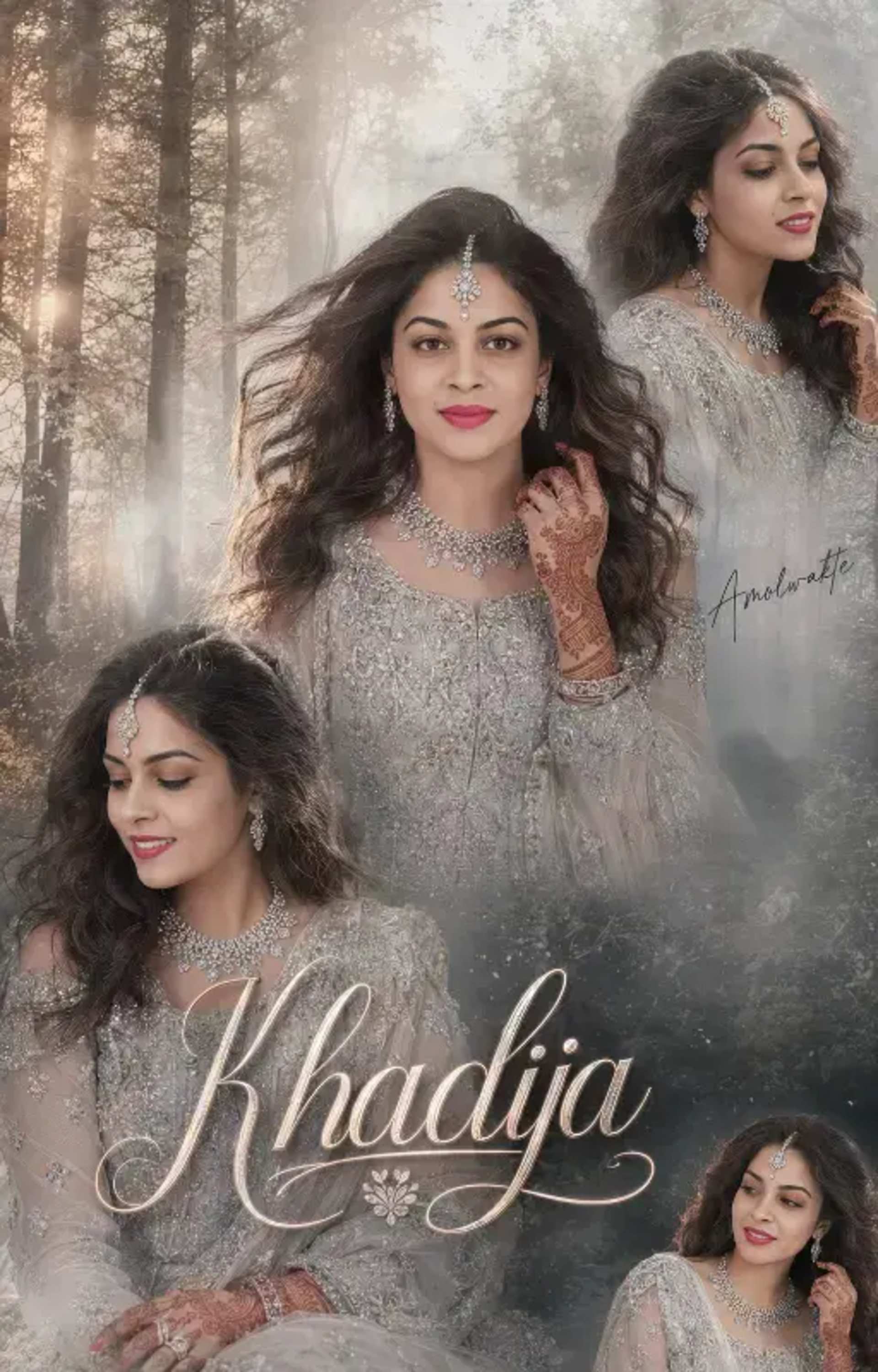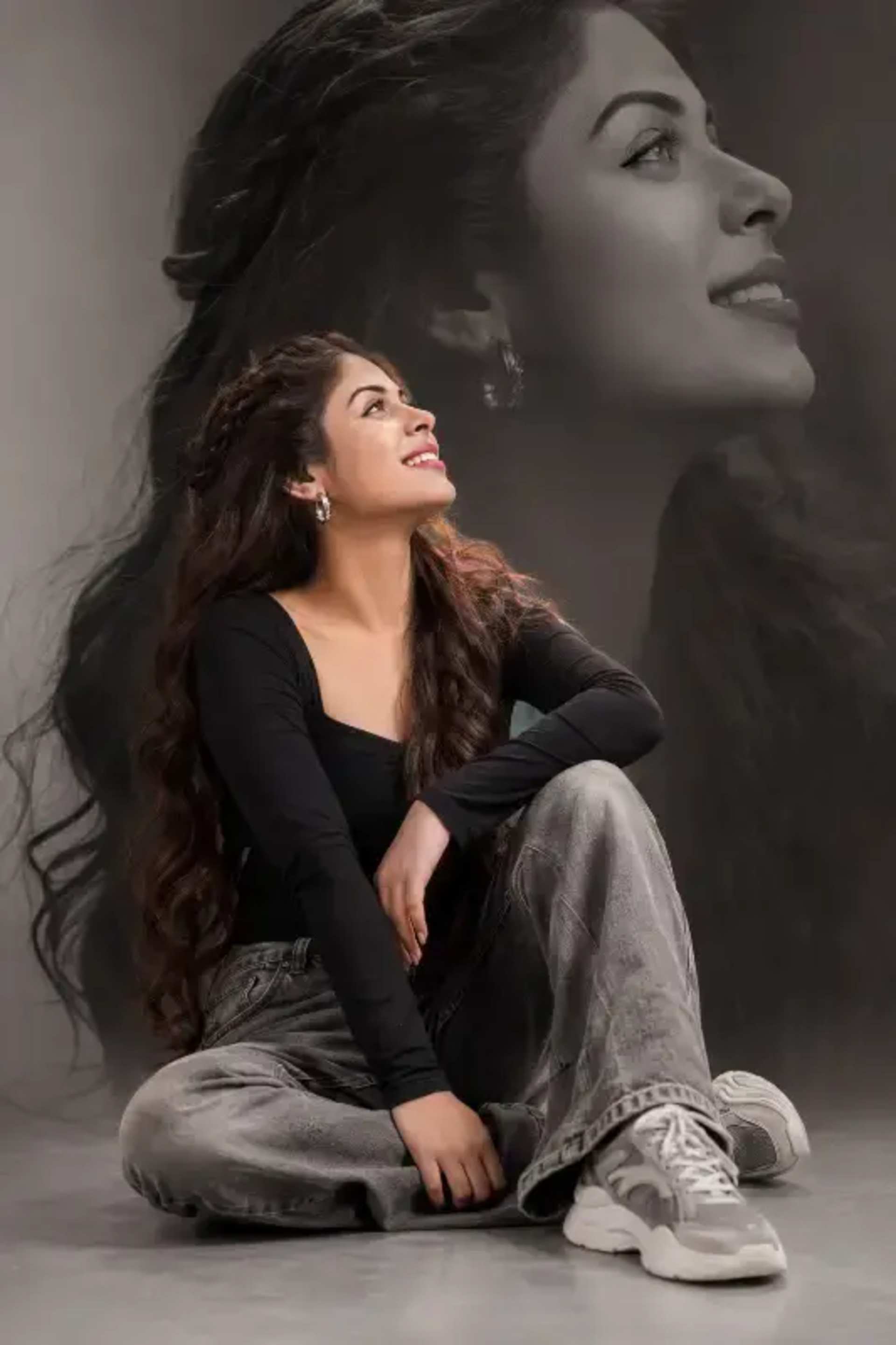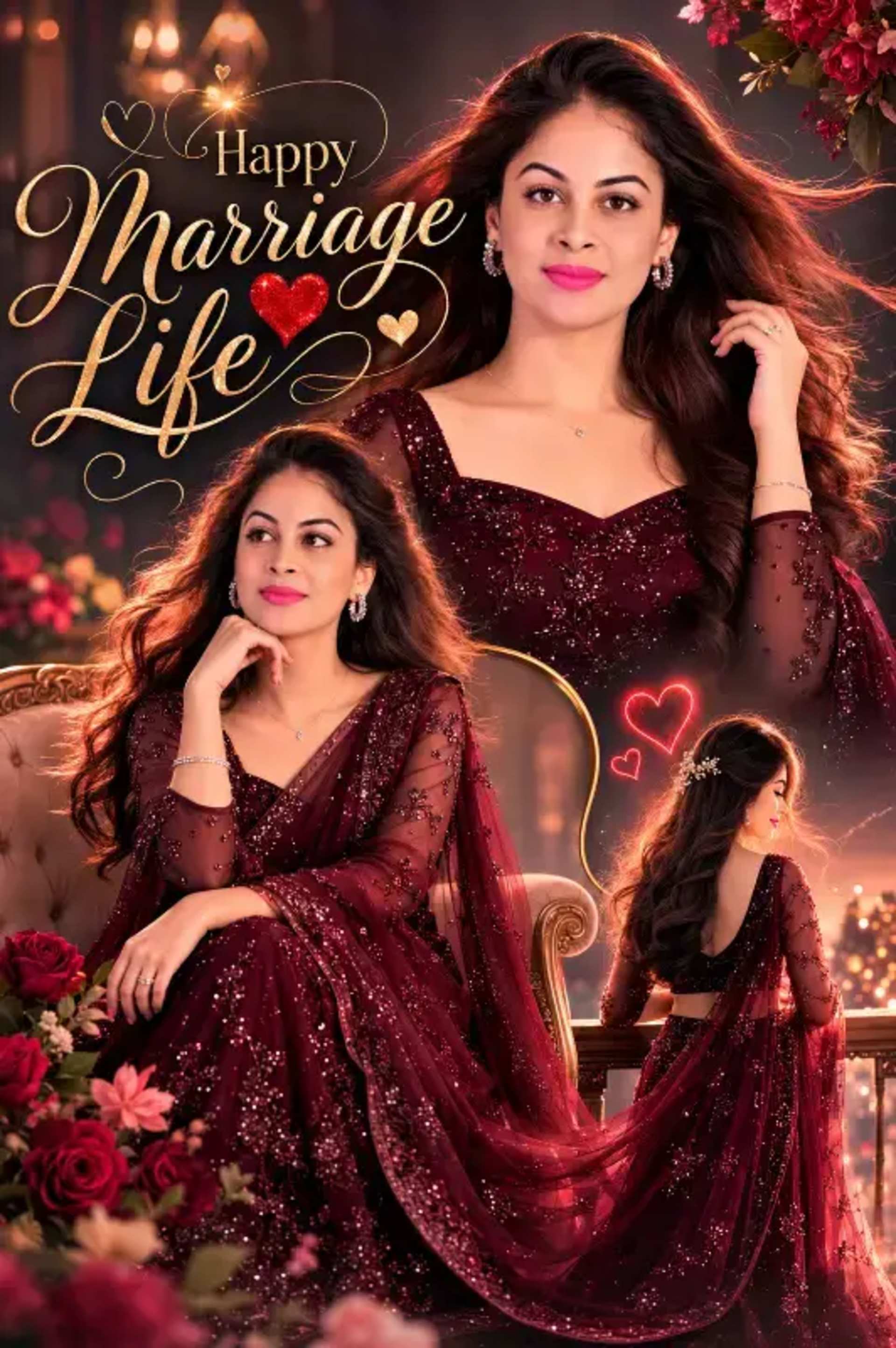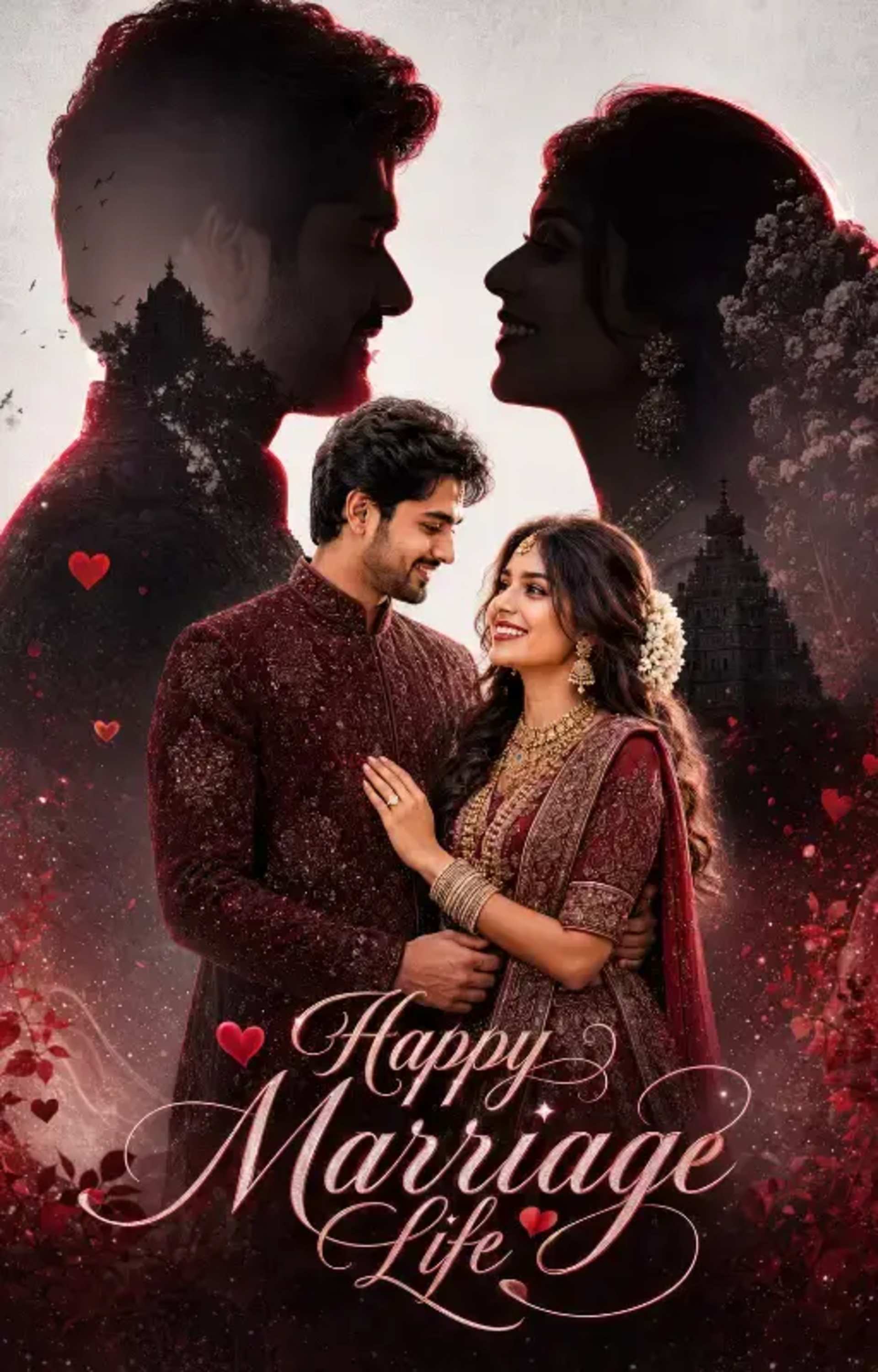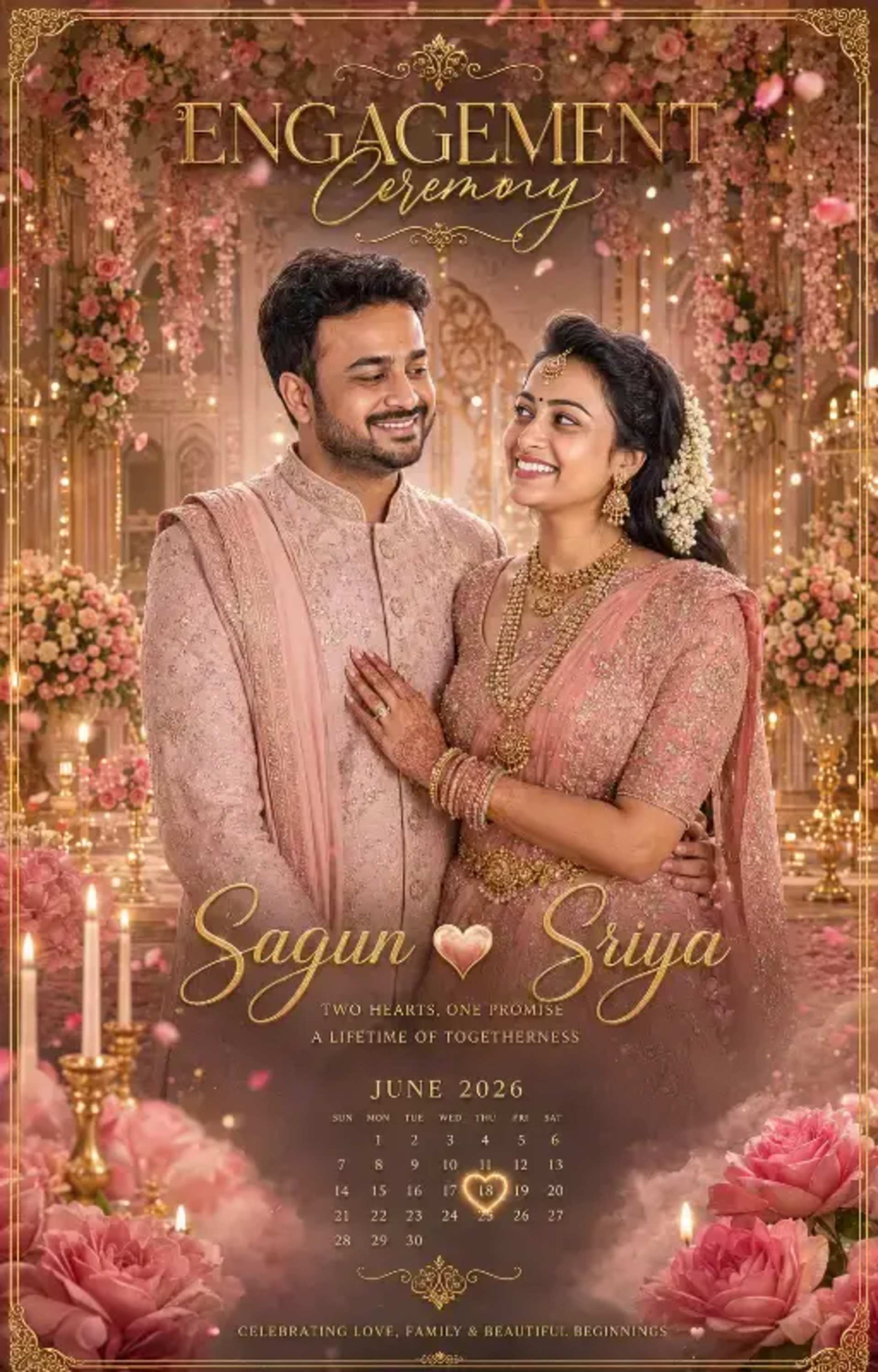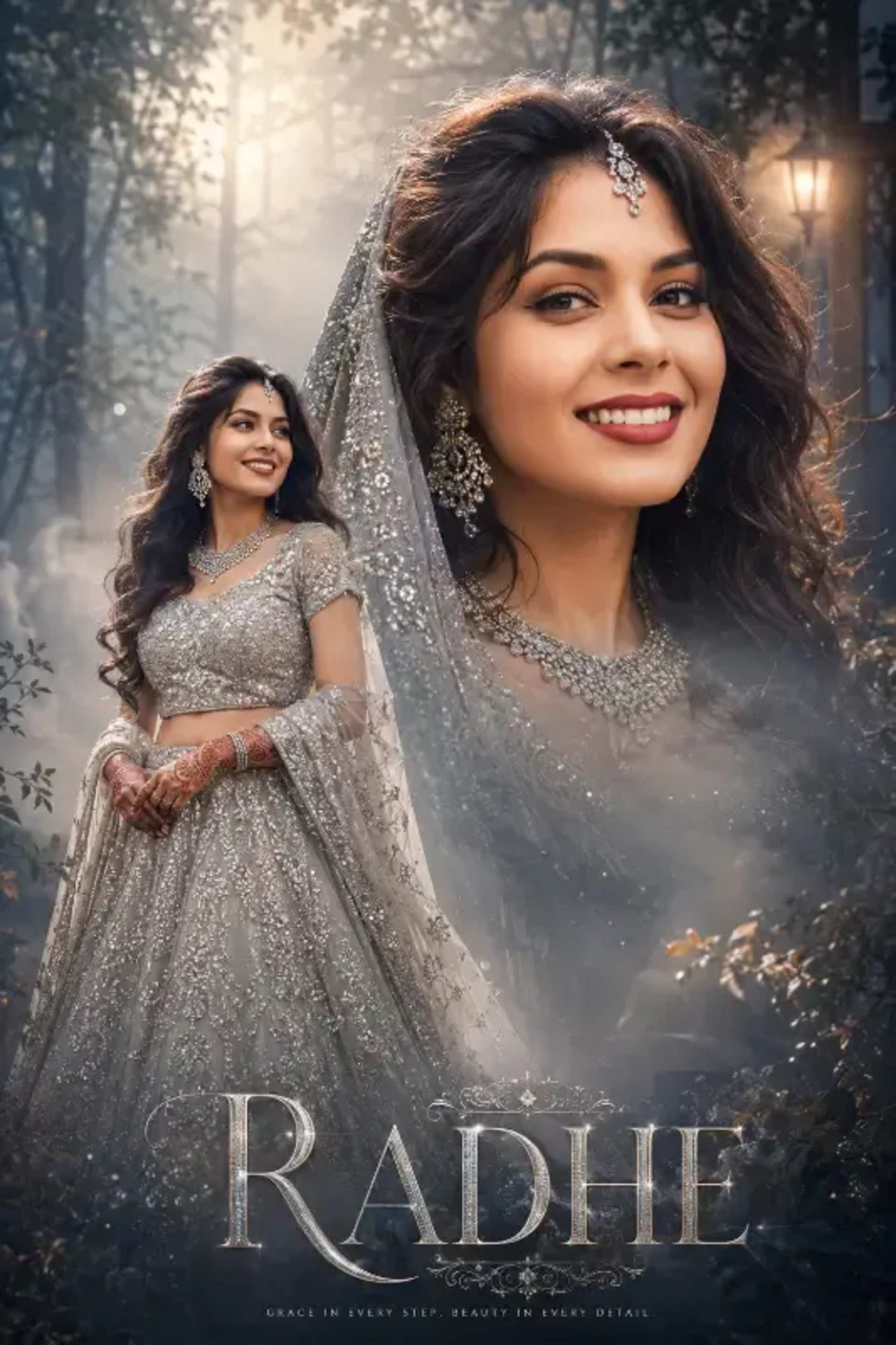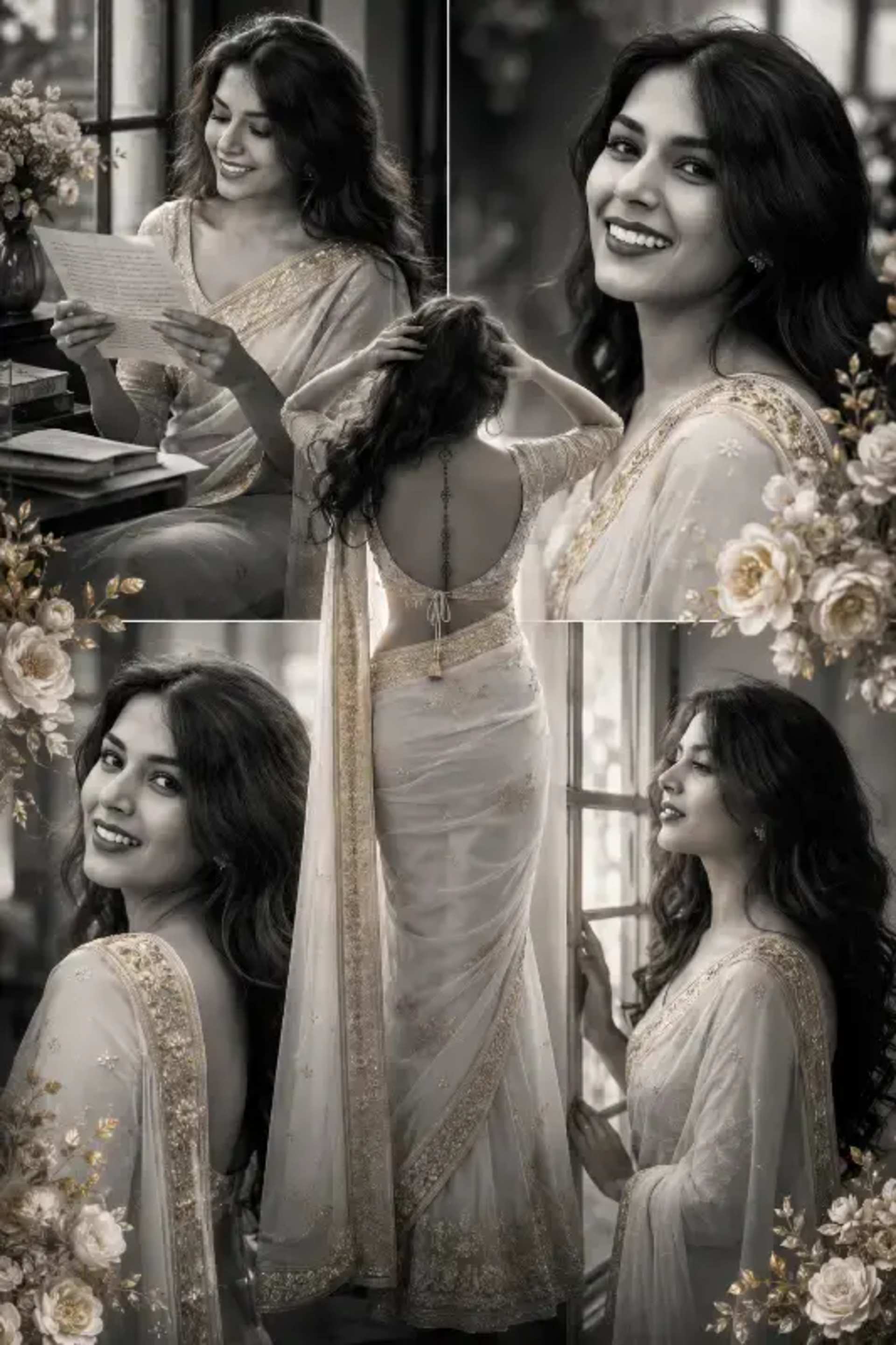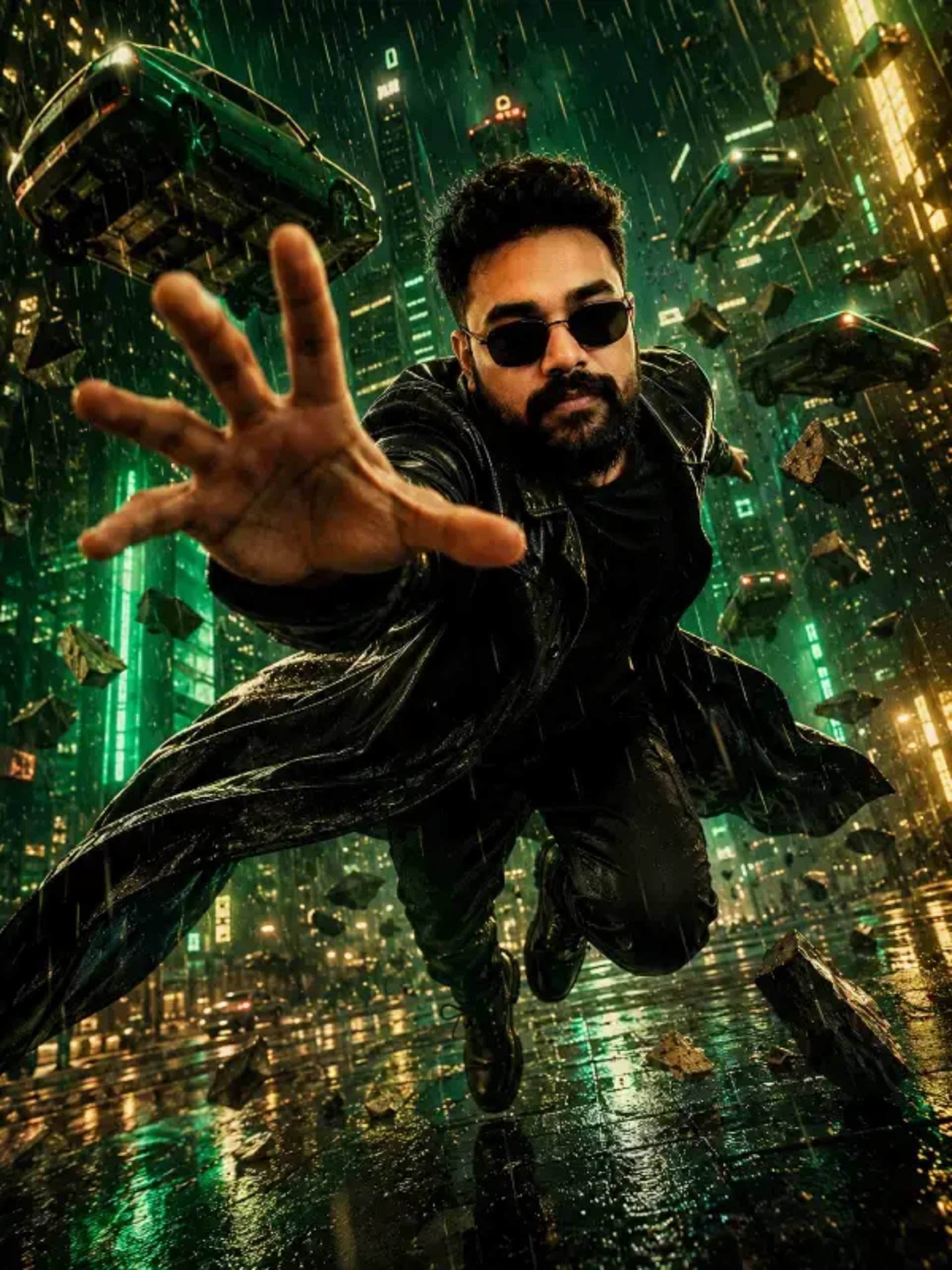
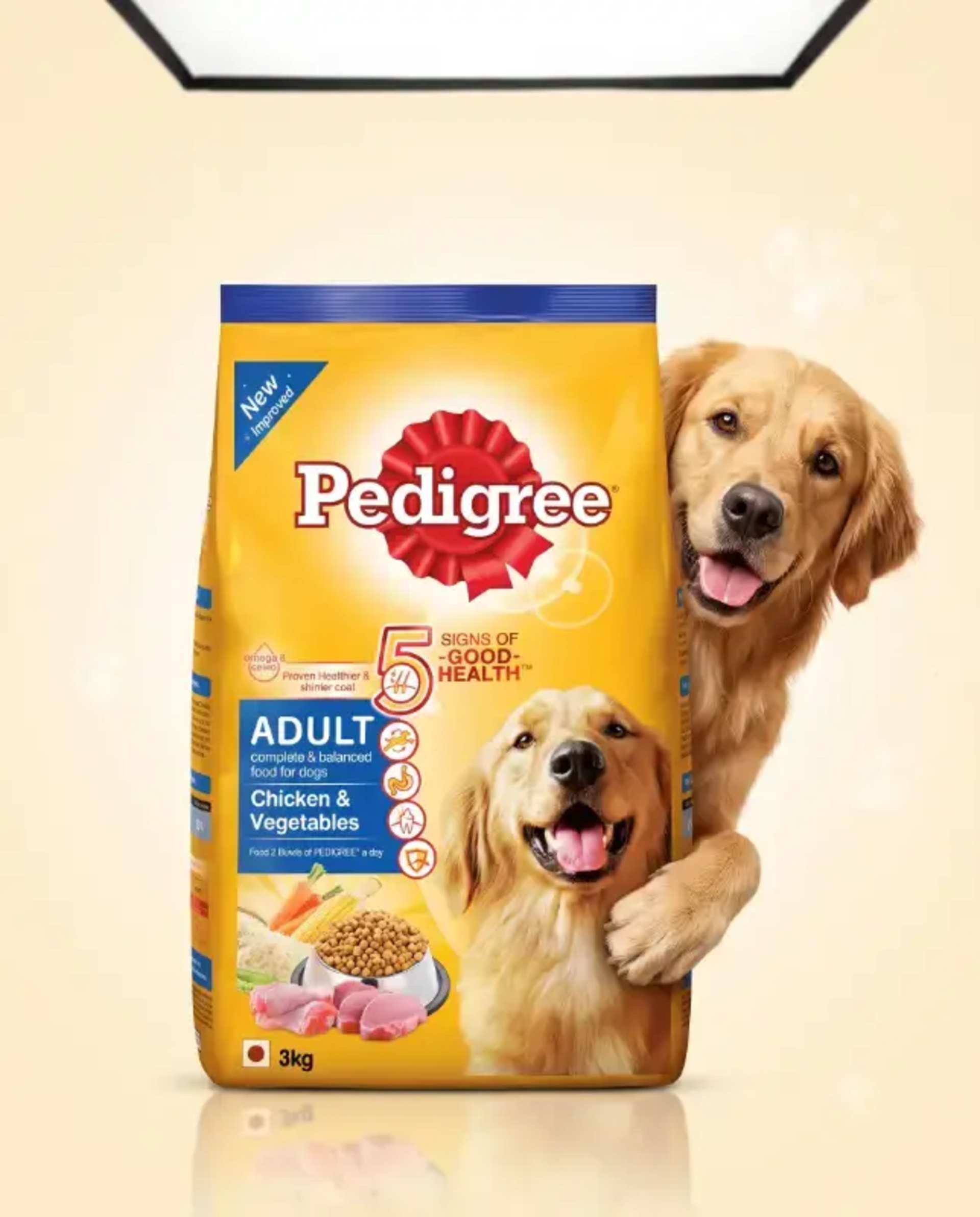
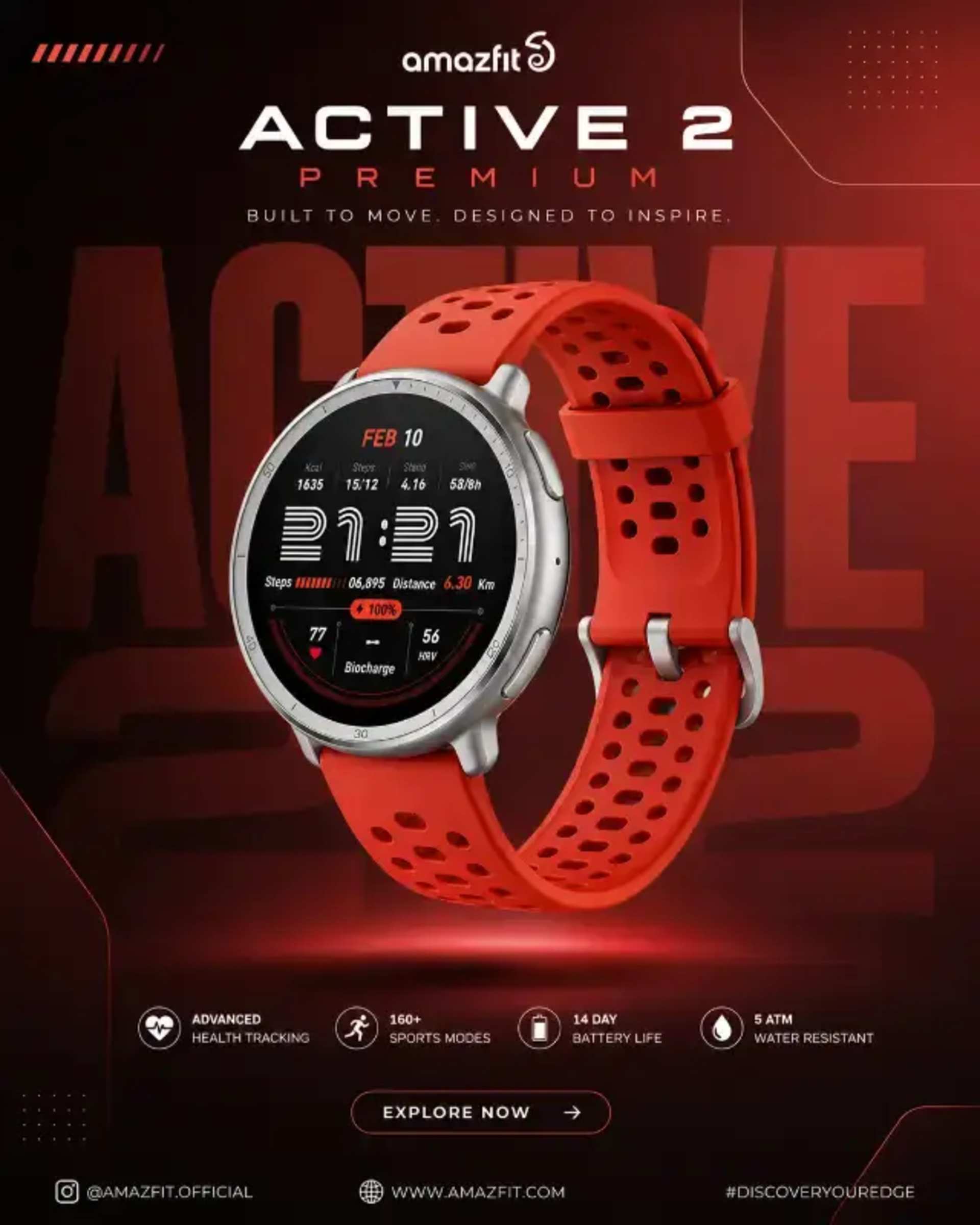
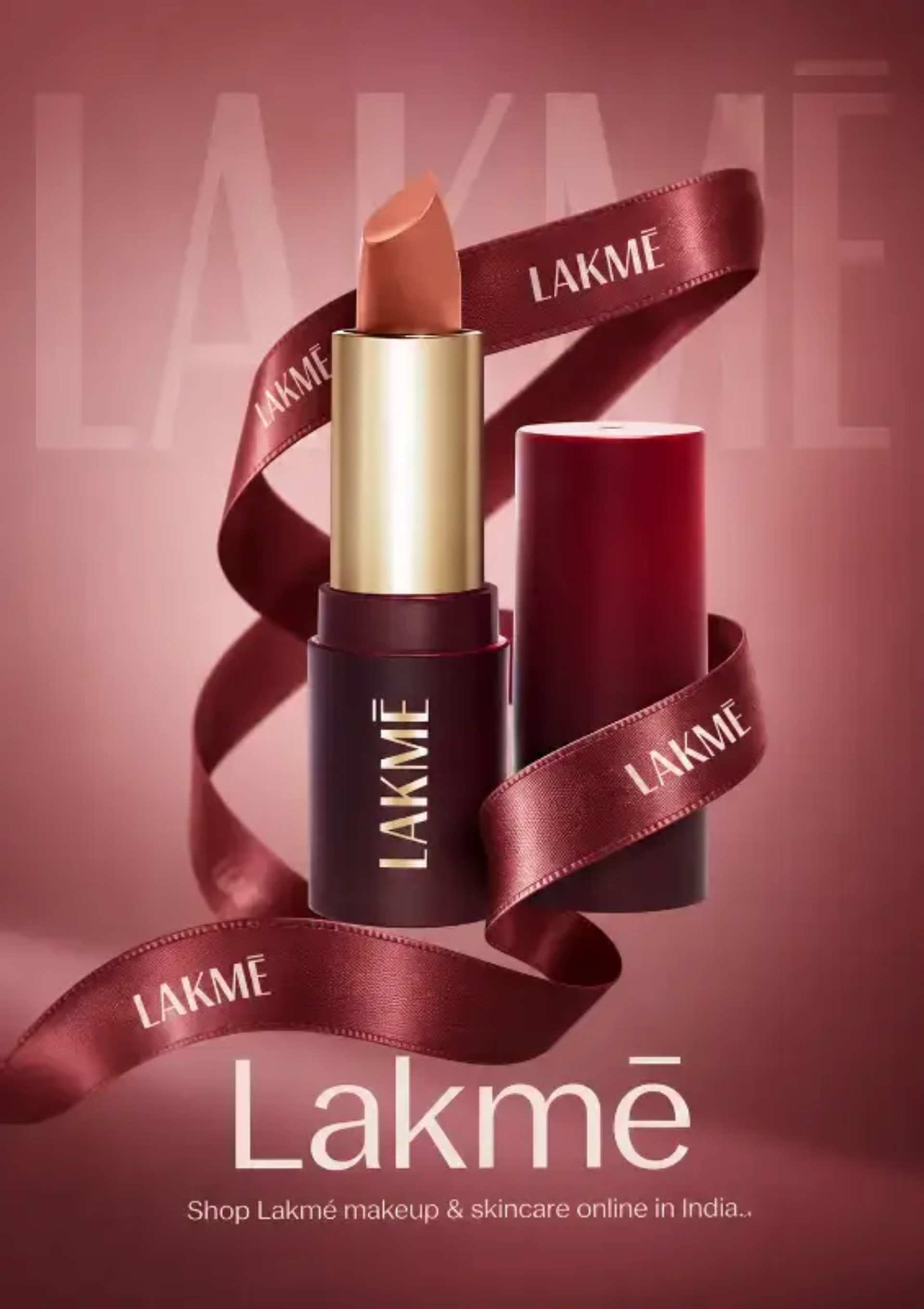
Premium Mobile Ad Design with Cinematic Look
By Prakash Sharma
Discover Powerful ChatGPT & Gemini Prompts for Creators, Designers and Developers.
By Prakash Sharma
By Prakash Sharma
By Prakash Sharma
By Prakash Sharma
By Prakash Sharma
By Prakash Sharma

By Prakash Sharma

By Prakash Sharma
By Prakash Sharma
By Prakash Sharma
By Prakash Sharma

By Prakash Sharma
By Prakash Sharma
By Prakash Sharma

By Prakash Sharma

By Moni Sharma

By Prakash Sharma

By Prakash Sharma

By Prakash Sharma

By Prakash Sharma

By Prakash Sharma

By Prakash Sharma

By Prakash Sharma

By Prakash Sharma

By Prakash Sharma

By Prakash Sharma

By Prakash Sharma

By Prakash Sharma

By Prakash Sharma

By Moni Sharma

By Prakash Sharma

By Prakash Sharma

By Prakash Sharma

By Prakash Sharma

By Prakash Sharma

By Moni Sharma

By Moni Sharma
By Prakash Sharma
By Prakash Sharma
By Prakash Sharma
By Prakash Sharma
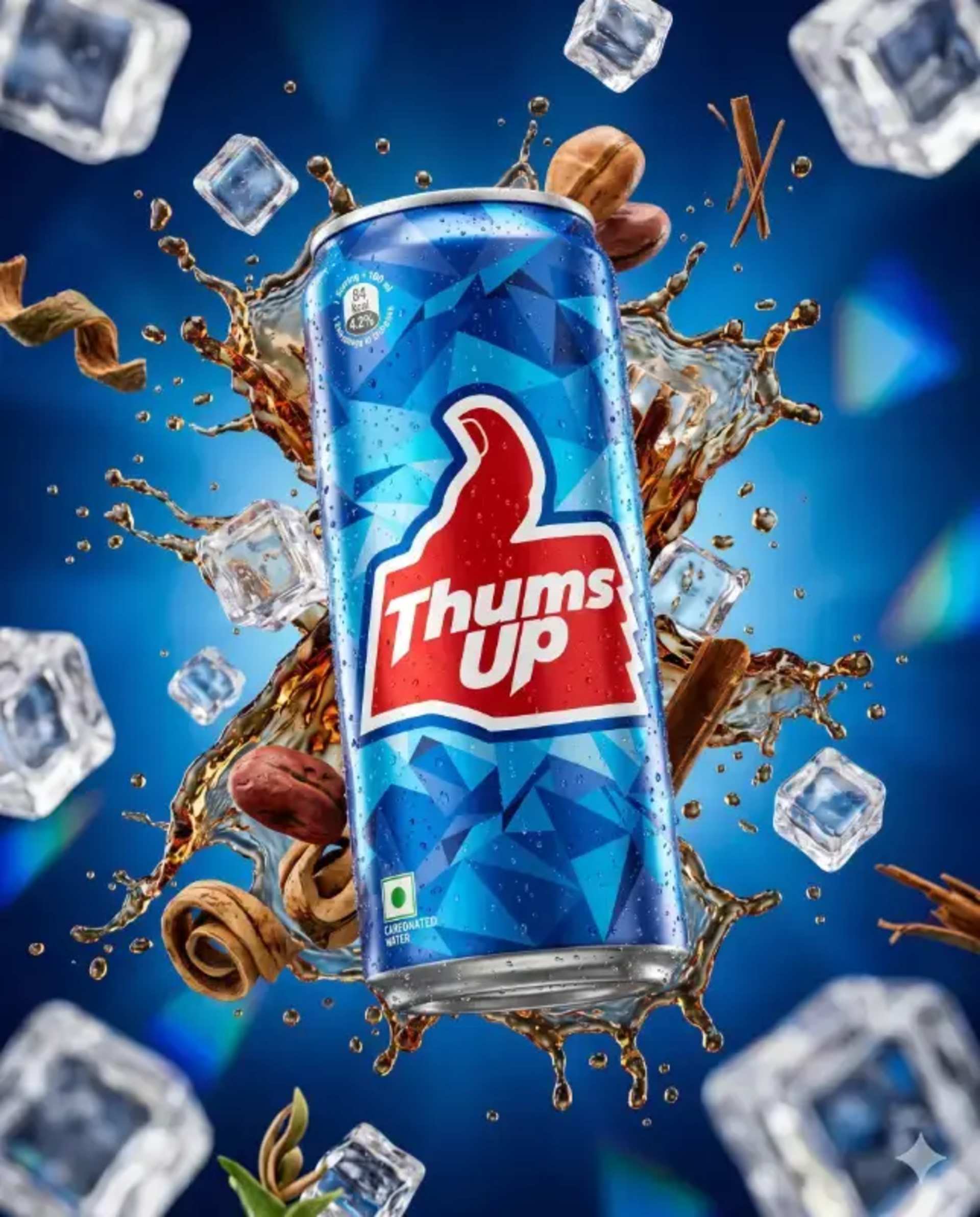
By Prakash Sharma

By Prakash Sharma
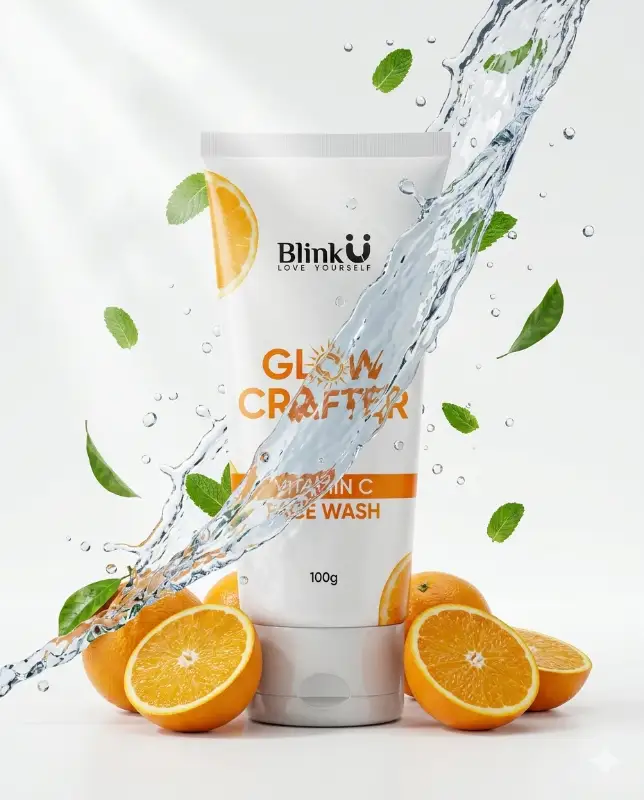
By Prakash Sharma

By Prakash Sharma

By Prakash Sharma

By Prakash Sharma

By Prakash Sharma
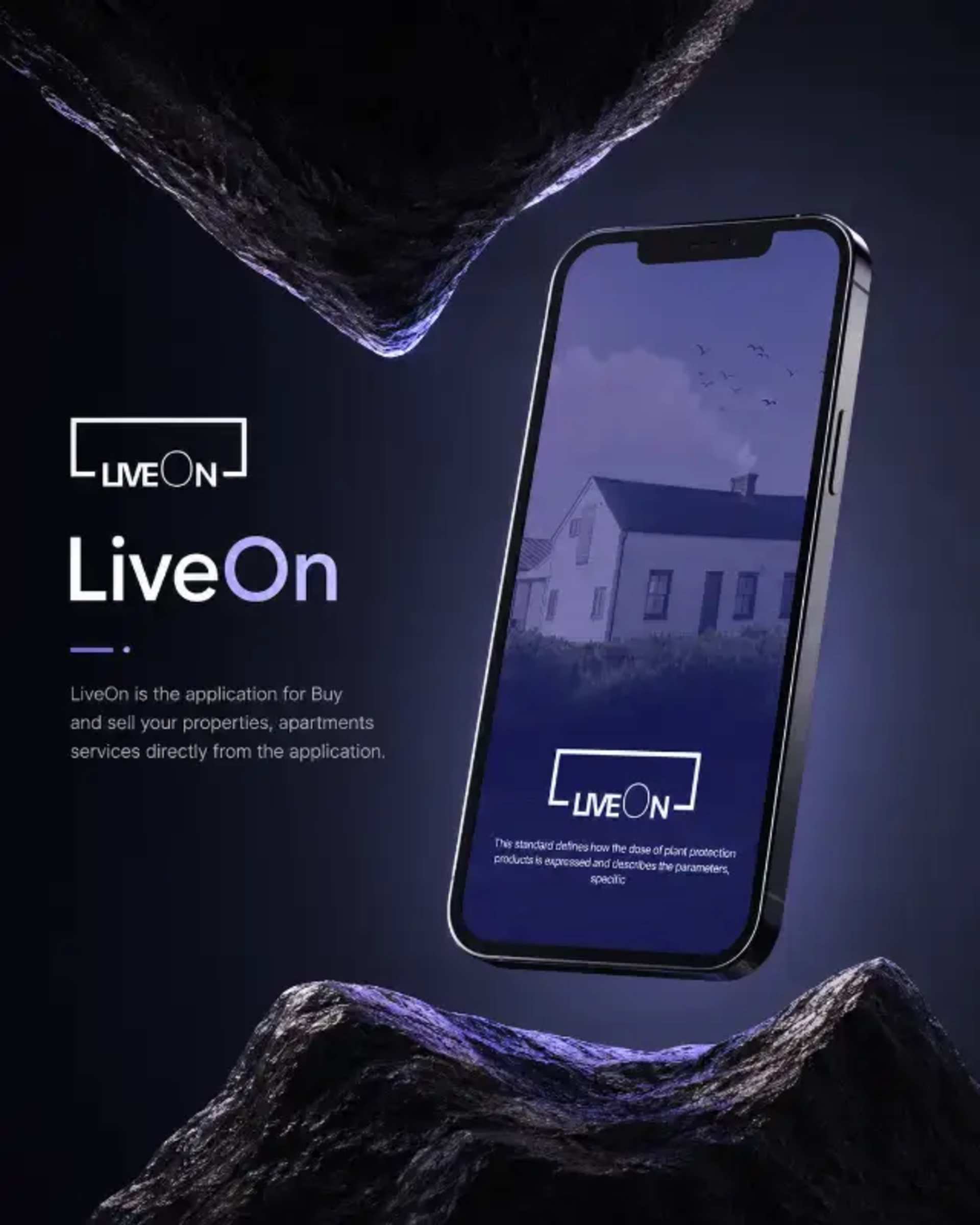
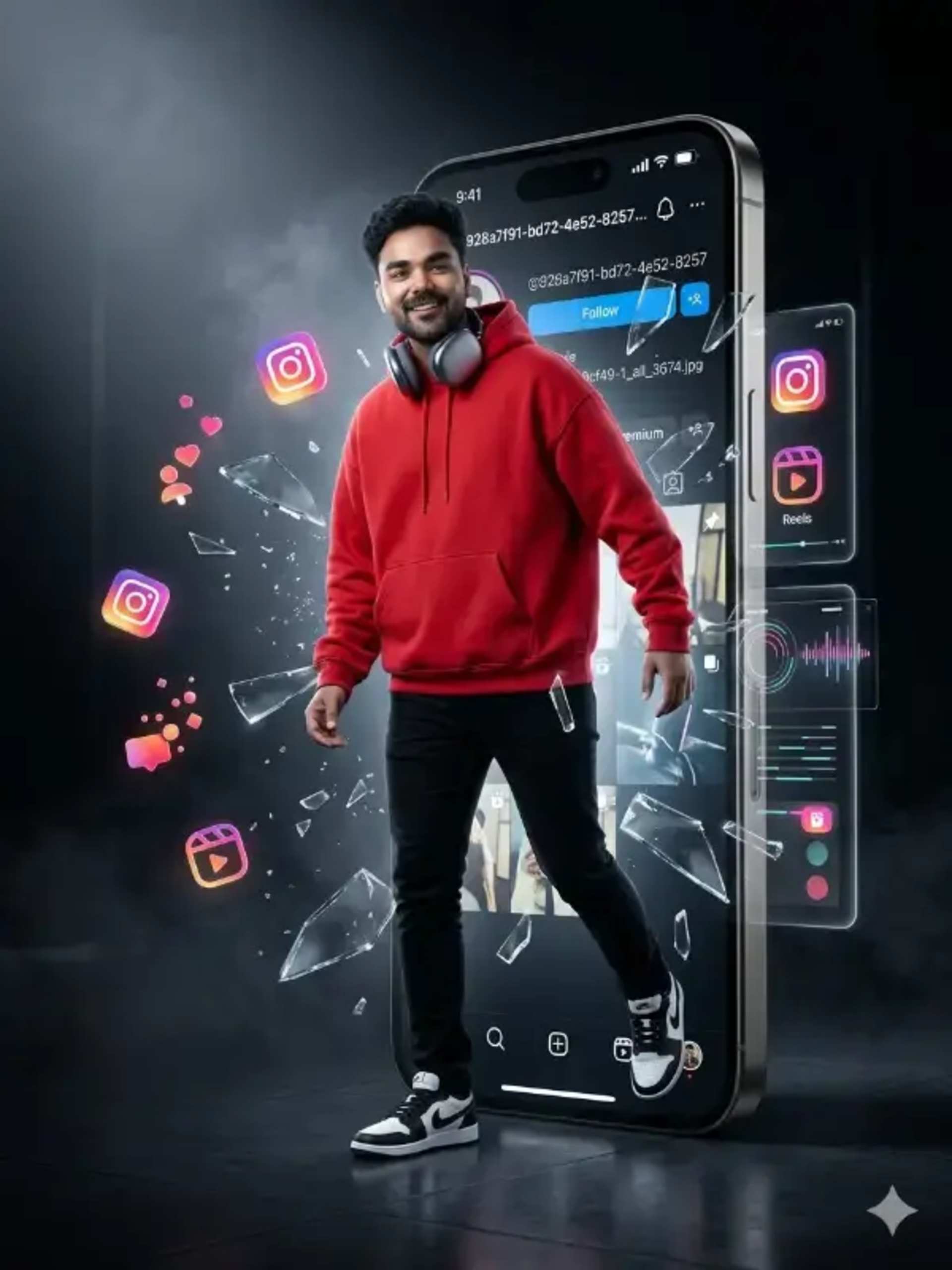
Smart device mockup AI prompts are text instructions that generate photorealistic presentations of iPhones, Android phones, MacBooks, and tablets — with your app UI displayed on screen — eliminating expensive stock mockup subscriptions and complex Photoshop compositing.
App developers, SaaS founders, and UI/UX designers use device mockup prompts to showcase apps in App Store screenshots, build compelling portfolio pieces, and create conversion-driving marketing visuals. Tools like DALL-E and Flux excel at device mockup generation when given precise, structured prompts with exact device models and screen content descriptions.
Our curated collection covers phone compositions, laptop mockups, and multi-device layouts — all engineered for Product Hunt launches, App Store listings, and SaaS marketing pages worldwide.
UI/UX AI prompts are structured instructions that generate website mockups, app interfaces, dashboard layouts, and design system components. They use design vocabulary like "glassmorphism", "bento grid", "dark mode", and "flat vector" to produce professional digital design references instantly.
Yes. AI image tools like DALL-E 3 generate website and app mockups from structured prompts. Specify layout type (landing page, SaaS dashboard), style (glassmorphism, minimal, dark mode), color palette, and device (desktop, mobile) for accurate, professional mockup results.
Specify: device frame (iPhone, MacBook), interface type (e-commerce, dashboard, onboarding), design style (dark glassmorphism, clean white), UI components (cards, charts, navigation), and brand color. More detail equals more accurate and usable mockup references on first generation.
Designers describe the app type (fitness tracker, finance app), key screens (home, profile, checkout), visual style (minimal, vibrant), and UI patterns (bottom navigation, card-based layout). AI generates fast visual references that speed up the ideation phase significantly.
Yes. All UI/UX and web design prompts on Prompts Hub are completely free. No account required, no payment. Use the prompts for client presentations, portfolio pieces, Dribbble shots, or internal design sprints without any restrictions.
DALL-E 3 (via ChatGPT) produces the most prompt-accurate UI mockups. Midjourney v6 excels for aesthetically polished, visually stunning interface concepts. Flux.1 is best for ultra-detailed, high-fidelity interface renders that look like real screenshots.
Yes. Specify "dark mode" or "dark UI" explicitly, include background hex color (e.g., "#0a0a0a deep background"), accent color, and UI component style (glassmorphic cards, neon glow, minimal flat). Add "high fidelity Figma mockup quality" for best dark mode UI results.
Use this structure: "Act as a senior UI/UX designer. Create a detailed design specification for a [dark/light] mode SaaS [type] dashboard. Include: layout grid, color palette (hex codes), typography scale (px), component list, and micro-interaction descriptions. Aesthetic: [Linear/Vercel/Stripe]-inspired."